
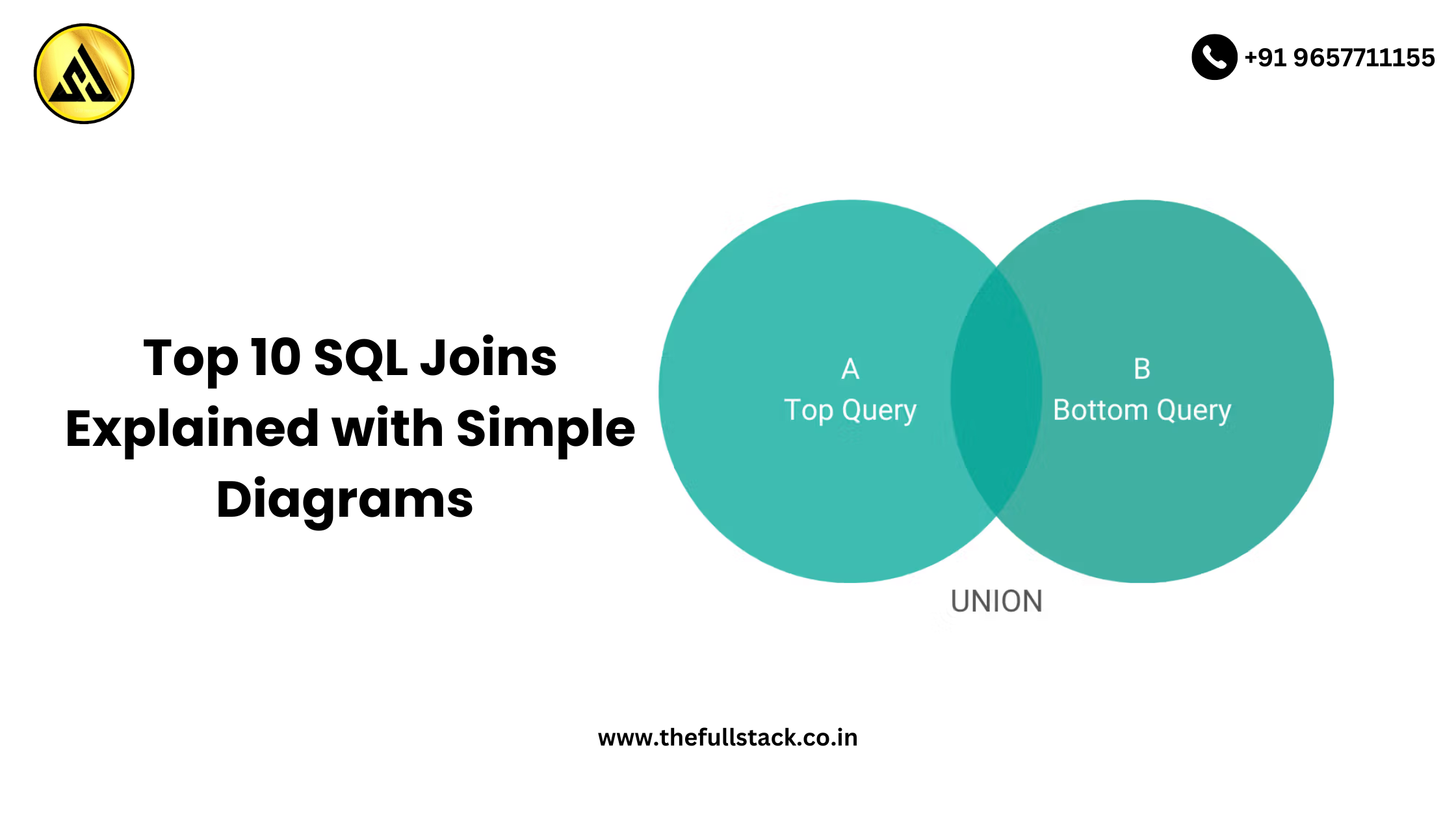
Top 10 SQL Joins Explained with Simple Diagrams
SQL Joins are crucial for merging data from several tables in relational databases in order to provide useful outcomes. Whether you’re new to SQL or would like a better grasp of the various join types, this blog simplifies the process for you with simple illustrations and practical logic.
Now let’s explore the top ten SQL joins that all developers need to be aware of!
1. INNER JOIN
Returns records that have matching values in both tables.
📌 Syntax:
SELECT * FROM A
INNER JOIN B ON A.id = B.id;
🖼 Diagram:
[A] ●────────────● [B]
Only the overlapping part
🧠 Use Case:
Get customers who have placed orders.
🔹 2. LEFT JOIN (or LEFT OUTER JOIN)
Returns all records from the left table, and matched records from the right.
📌 Syntax:
SELECT * FROM A
LEFT JOIN B ON A.id = B.id;
🖼 Diagram:
[A] ●─────────────● [B]
Left side + Overlap
🧠 Use Case:
List all products, even those that haven’t been sold.
🔹 3. RIGHT JOIN (or RIGHT OUTER JOIN)
Returns all records from the right table, and matched ones from the left.
📌 Syntax:
SELECT * FROM A
RIGHT JOIN B ON A.id = B.id;
🖼 Diagram:
[A] ●─────────────● [B]
Overlap + Right side
🧠 Use Case:
Show all orders, even those not linked to customers.
🔹 4. FULL JOIN (or FULL OUTER JOIN)
Returns all records when there’s a match in either table.
📌 Syntax:
SELECT * FROM A
FULL JOIN B ON A.id = B.id;
🖼 Diagram:
[A] ●─────────────● [B]
All from both + Overlap
🧠 Use Case:
Combine user data from two different systems with some common users.
🔹 5. CROSS JOIN
Returns the Cartesian product (all combinations) of the two tables.
📌 Syntax:
SELECT * FROM A
CROSS JOIN B;
🖼 Diagram:
Every row in A matched with every row in B
🧠 Use Case:
Generate combinations for a quiz (e.g., all questions with all students).
🔹 6. SELF JOIN
Joins a table to itself using aliases.
📌 Syntax:
SELECT A.name, B.name
FROM employees A, employees B
WHERE A.manager_id = B.id;
🖼 Diagram:
Same table treated as two
🧠 Use Case:
Get manager and employee name pairs.
🔹 7. NATURAL JOIN
Automatically joins tables based on columns with the same name.
📌 Syntax:
SELECT * FROM A
NATURAL JOIN B;
🖼 Diagram:
Only works if matching column names exist
🧠 Use Case:
When column names are already consistent and match logically.
🔹 8. ANTI JOIN (Simulated via LEFT JOIN + WHERE NULL)
Returns rows in left table with no match in right table.
📌 Syntax:
SELECT * FROM A
LEFT JOIN B ON A.id = B.id
WHERE B.id IS NULL;
🖼 Diagram:
Left side only – excluding overlap
🧠 Use Case:
Find products with no sales or users who never logged in.
🔹 9. SEMI JOIN (Simulated via EXISTS)
Returns rows from one table where a match exists in another.
📌 Syntax:
SELECT * FROM A
WHERE EXISTS (SELECT 1 FROM B WHERE A.id = B.id);
🖼 Diagram:
Left side only – include rows if match exists
🧠 Use Case:
List customers who have placed at least one order.
🔹 10. EQUI JOIN (Type of INNER JOIN using =)
Uses the equality operator to match columns.
📌 Syntax:
SELECT * FROM A, B
WHERE A.id = B.id;
🖼 Diagram:
Same result as INNER JOIN but using WHERE clause
🧠 Use Case:
Basic relational match between two tables.
Final Thoughts
Any database administrator, backend developer, or data analyst should become proficient with SQL joins. Building effective searches and utilizing relational databases to their full potential requires knowing when and how to use these joins.
Before moving on to more complex patterns like SELF and CROSS joins, start with INNER and LEFT joins. You’ll become an expert queryer very quickly with consistent practice.
You may be interested in this:
How Backend Development Powers Modern Web Applications
10 Software Testing Trends Defining 2025
SQL vs. NoSQL: Key Differences Explained
Frequently Asked Questions
What is the main difference between an INNER JOIN and a LEFT JOIN in SQL?
An INNER JOIN returns only the rows that have a match in both tables, while a LEFT JOIN returns all rows from the left table and the matched rows from the right table. This means that if there is no match, the result will contain NULL values for the right table. Understanding this difference is crucial for writing effective SQL queries.
How do I decide which type of SQL JOIN to use for my query?
The type of JOIN to use depends on the nature of the relationship between the tables and the desired outcome of the query. Consider what data you need to retrieve and how the tables are related, and choose the JOIN that best fits your needs. For example, if you need to retrieve all records from one table and matching records from another, a LEFT JOIN might be the best choice.
What is a FULL OUTER JOIN and when would I use it?
A FULL OUTER JOIN returns all rows from both tables, with NULL values in the columns where there are no matches. This type of JOIN is useful when you need to retrieve all records from both tables, regardless of whether there is a match or not. It can be particularly helpful for comparing data between two tables or for identifying records that are unique to one table or the other.
Can I use multiple JOINs in a single SQL query?
Yes, it is possible to use multiple JOINs in a single SQL query. This can be useful when working with complex databases that have multiple related tables. By using multiple JOINs, you can retrieve data from several tables in a single query, making it easier to analyze and manipulate the data.
How can I optimize the performance of my SQL JOIN queries?
Optimizing the performance of SQL JOIN queries involves several strategies, including indexing the columns used in the JOIN, using efficient JOIN types, and limiting the amount of data being retrieved. Additionally, avoiding the use of SELECT * and instead specifying only the columns needed can help reduce the load on the database and improve query performance. Regularly maintaining and updating database statistics can also help the query optimizer choose the most efficient execution plan.

Leave a Reply