
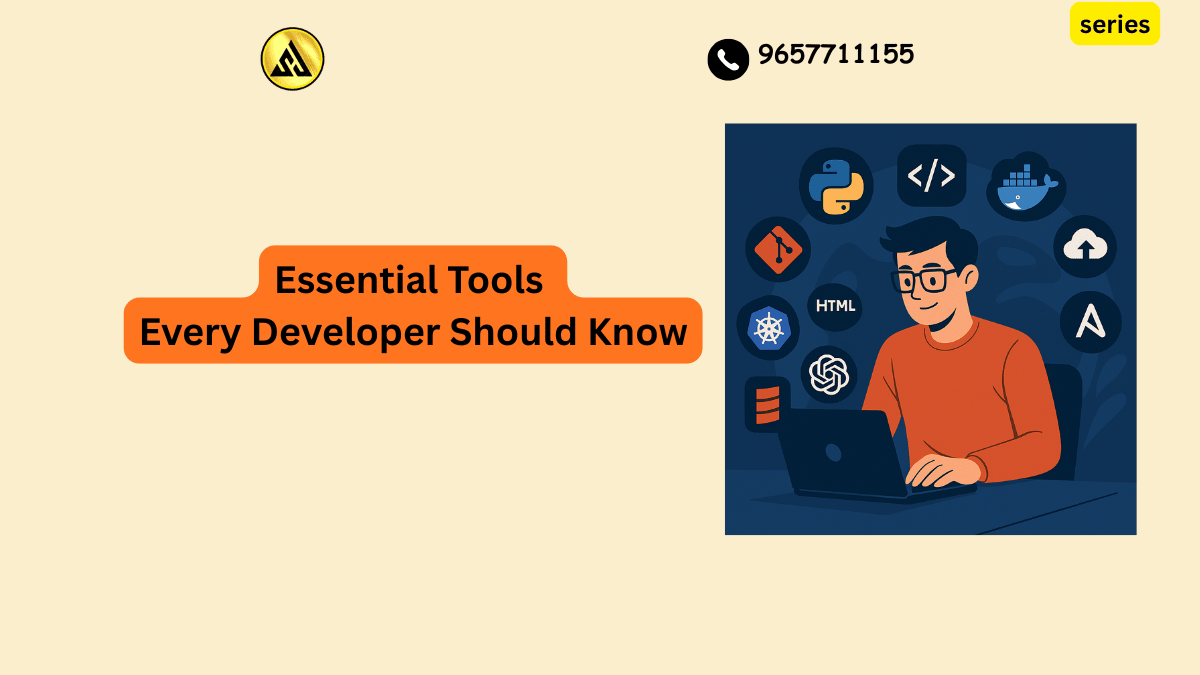
Essential Dev Tools
Walk into any engineering team meeting in 2026 and you will hear names like Cursor, Copilot, Supabase, and Playwright thrown around as casually as coffee orders. The tools developers rely on have shifted dramatically over the past few years, and keeping up with what actually matters versus what is just hype can feel overwhelming, especially if you are early in your career or returning to development after time away. This guide breaks down the essential tools every developer should know in 2026, organized by category, so you can build a practical toolkit without wasting time on things that will not move the needle for your work.
Why Your Tool Choices Matter More Than Ever
Software development has changed shape. AI now writes a meaningful share of the code that ends up in production pull requests, and the bottleneck has shifted from typing code to validating it, reviewing it, and understanding whether it actually solves the problem at hand. That means the tools worth learning are not just the ones that help you write faster. They are the ones that help you think clearly, catch mistakes early, and ship something reliable without burning out in the process.
Picking the right stack is not about collecting every shiny tool you see mentioned online. It is about understanding what each tool category solves and choosing the ones that fit how you actually work.
Code Editors and IDEs
Your code editor is where you spend most of your working hours, so getting this choice right has an outsized impact on your daily experience.
Visual Studio Code
VS Code remains the default pick for a huge share of developers because it is fast, free, and works across nearly every language and framework you can think of. Its extension marketplace covers everything from linting to database management, and its agent based workflows now make it genuinely useful for longer running coding tasks rather than just quick edits.
Cursor
Cursor started as an AI focused fork of VS Code and has grown into something much bigger. It is no longer just an editor with autocomplete bolted on. It now handles a significant chunk of the actual build process, letting you describe what you want in plain language and watch it generate, edit, and refactor across multiple files at once. Developers who live inside their editor for most of the day tend to gravitate toward Cursor because the AI assistance feels native rather than tacked on.
JetBrains IDEs and Visual Studio
If you work primarily in a specific ecosystem, dedicated IDEs still earn their keep. JetBrains tools like IntelliJ IDEA and Rider offer excellent refactoring and code navigation for Java and dotnet projects, while Visual Studio remains the most complete environment for serious ASP.NET Core development on Windows. These tools trade some flexibility for deep, language specific intelligence that general purpose editors cannot always match.
AI Coding Assistants
This is the category that has changed the fastest, and it is worth understanding the differences rather than assuming all AI assistants are interchangeable.
GitHub Copilot
Copilot has grown from a simple autocomplete tool into something closer to a full coding partner. Its agent mode can now handle multi step tasks, explain unfamiliar code, generate tests, and even participate in pull request reviews. Its scale of adoption means it is often the safest default choice for teams that want a proven tool with broad language support.
Claude Code
Claude Code has become a go to choice for developers who prefer working in the terminal rather than inside a heavy IDE. It shines on tasks that require reasoning through several steps rather than just generating a quick snippet, which makes it particularly useful for messy, multi file refactors or debugging sessions where you are not entirely sure what is wrong yet. A growing number of developers use it for planning and brainstorming sessions before they even start writing code, treating it more like a thinking partner than a typing assistant.
Choosing Between AI Assistants
There is no single best AI assistant for everyone. The right choice depends on where you actually work. If your editor is the center of your workflow, an editor native tool like Cursor or Copilot fits naturally. If you spend more time in the terminal or working across an entire codebase rather than one file at a time, a terminal based agent like Claude Code often fits better. Many experienced developers now use more than one, picking the right tool for the specific task rather than committing to a single assistant for everything.
Version Control and Collaboration
Git and GitHub
Git remains the backbone of how developers track changes and collaborate, and that has not changed despite everything else shifting around it. GitHub continues to be where most teams host their code, manage issues, and run pull request reviews, and its tight integration with Copilot and GitHub Actions makes it more than a simple code host at this point. If you only learn one collaboration tool deeply, make it Git, since nearly every other tool in this list assumes you already understand branching, merging, and resolving conflicts.
Practical Git Habits Worth Building Early
Commit small, logical chunks of work rather than waiting to commit everything at the end of the day. Write commit messages that explain why a change was made, not just what changed. Get comfortable with branching strategies early, since working directly on a main branch becomes a liability the moment more than one person touches the codebase.
Backend and Database Platforms
Supabase
Supabase has become one of the most popular ways to spin up a backend without building everything from scratch. Built on top of Postgres, it bundles a database, authentication, real time subscriptions, edge functions, and file storage into a single platform, with a dashboard that gives you a full SQL editor and auto generated API documentation. For developers building a minimum viable product or a side project, this kind of bundled platform can save weeks of setup time compared to wiring together separate services.
Choosing a Database Approach
Not every project needs a fully managed platform. If you are working on something simple, a lightweight database like SQLite might be all you need. If you are building something that needs to scale with real users and complex relationships, a managed Postgres setup like Supabase or a dedicated database service gives you room to grow without redesigning your data layer later.
Testing and Quality Assurance
Playwright
Playwright has become the go to choice for end to end testing because it works reliably across browsers and tends to produce far fewer flaky test failures than older testing setups. It fits naturally into continuous integration pipelines, which matters more than ever now that deployment cycles have gotten shorter and teams are expected to ship more frequently without sacrificing stability.
Why Testing Discipline Still Matters in the AI Era
It is tempting to assume that AI generated code needs less testing because it was produced by a capable model rather than a tired human at the end of a long day. The opposite is closer to the truth. As more code in a typical pull request comes from an AI assistant, the validation step becomes the actual bottleneck in the workflow. A solid testing habit, paired with tools like Playwright for the frontend and proper unit tests for backend logic, is what separates a team that ships confidently from one that is constantly firefighting production bugs.
Code Review and Security Tools
AI Powered Code Review
Tools that analyze entire pull requests with full context of the surrounding codebase have become genuinely useful rather than just a novelty. Instead of only looking at the lines that changed, modern review tools map out how functions, classes, and dependencies relate to each other before flagging an issue, which catches problems that a surface level diff review would miss entirely.
Security Scanning
As AI generated code makes up a larger share of what gets merged, security scanning earns a permanent place in the pipeline rather than being treated as an occasional audit. Tools that catch vulnerabilities automatically before code ships save teams from the much more expensive process of patching issues after they reach production.
Project Management and Workflow Tools
Linear
Linear has earned a loyal following among smaller, fast moving teams because of its speed and clean, keyboard driven interface. For teams under a few hundred people, it tends to feel less bloated than older project management tools that were originally built for a different kind of work entirely.
Jira
For larger organizations with complex permission structures and a need for extensive integrations, Jira still holds its ground. It is not the tool most developers describe as enjoyable to use, but its scalability and integration ecosystem make it hard to fully replace in enterprise settings.
Containers and Deployment
Docker
Docker remains the simplest way to make sure your local environment matches what runs in production. Spinning up a database, an API, and supporting services with a single configuration file removes an enormous amount of the it works on my machine frustration that used to eat up hours of debugging time.
Cloud Platforms for Deployment
Modern deployment platforms now do far more than just host your site. Many support a wide range of frameworks with little to no configuration, provide real user performance data out of the box, and let you preview changes before they go live. For a frontend project, picking a platform that integrates cleanly with your framework of choice will save you from a lot of manual configuration work down the line.
Building Your Own Toolkit
With so many options available, the temptation is to try everything at once. A better approach is to start with the minimum set of tools that solves your actual problem and add complexity only when you hit a real limitation.
A Practical Starting Stack
If you are early in your career, start with a solid editor like VS Code, learn Git thoroughly before leaning on any AI assistant, and pick one AI coding tool rather than juggling three at once. Add a testing tool once your projects grow beyond something you can manually click through in a few minutes. Layer in a database platform like Supabase when you need real persistence rather than reaching for the most powerful option before you understand why you need it.
Avoiding Tool Fatigue
Switching tools constantly costs more than most developers realize. Every new tool comes with a learning curve, and constantly hopping between editors, assistants, and platforms means you never build the deep muscle memory that makes experienced developers fast. Pick a reasonable stack, commit to it for a few months, and only swap out a tool when it is genuinely holding you back rather than because something newer just launched.
Final Thoughts
The tools every developer should know in 2026 span editors, AI assistants, version control, backend platforms, testing frameworks, and deployment systems, but the underlying principle has not changed. The best toolkit is the one that removes the biggest bottleneck in your actual workflow, not the one with the most features or the loudest marketing. AI has undeniably changed how code gets written, but it has made human judgment about what to build, how to test it, and when to trust an automated suggestion more valuable, not less. Build your stack deliberately, learn your core tools deeply, and treat every new addition as something that needs to earn its place rather than something you adopt just because everyone else is talking about it.
Frequently Asked Questions
What are the most essential tools for web development?
A good code editor, version control system, and debugging tools are must-haves for web development. Popular choices include Visual Studio Code, Git, and Chrome DevTools. These tools help developers write, manage, and troubleshoot their code efficiently.
Do I need to learn command line interfaces to be a developer?
While it’s possible to develop software without using command line interfaces, having a basic understanding of CLI can greatly improve your workflow and productivity. Many essential tools, such as Git and npm, rely on command line inputs to function. Learning CLI basics can help you work more efficiently and effectively.
What is the best way to stay up-to-date with new tools and technologies?
Following industry leaders, attending conferences, and participating in online communities are great ways to stay informed about new tools and technologies. Subscribing to developer newsletters and blogs can also help you stay current with the latest trends and releases. Additionally, experimenting with new tools and technologies can help you gain hands-on experience and stay ahead of the curve.
Are there any free or open-source tools that I can use for development?
Yes, there are many free and open-source tools available for development, including code editors like Visual Studio Code and Sublime Text, version control systems like Git, and debugging tools like Chrome DevTools. These tools are often just as powerful and feature-rich as their paid counterparts, making them a great option for developers on a budget. Many of these tools also have large communities and extensive documentation, making it easy to get help and support.
How do I choose the right tools for my specific development needs?
Choosing the right tools depends on your specific development needs, such as the type of project, programming language, and desired features. Researching and comparing different tools, reading reviews and tutorials, and asking for recommendations from experienced developers can help you make an informed decision. It’s also a good idea to try out a few different tools to see which ones work best for you and your workflow.
